Ship AI You Can Actually See
Vector is the observability and evaluation layer for teams shipping LLM features. Trace every model call, catch regressions before users do, and understand exactly what your production AI is doing, at every token.
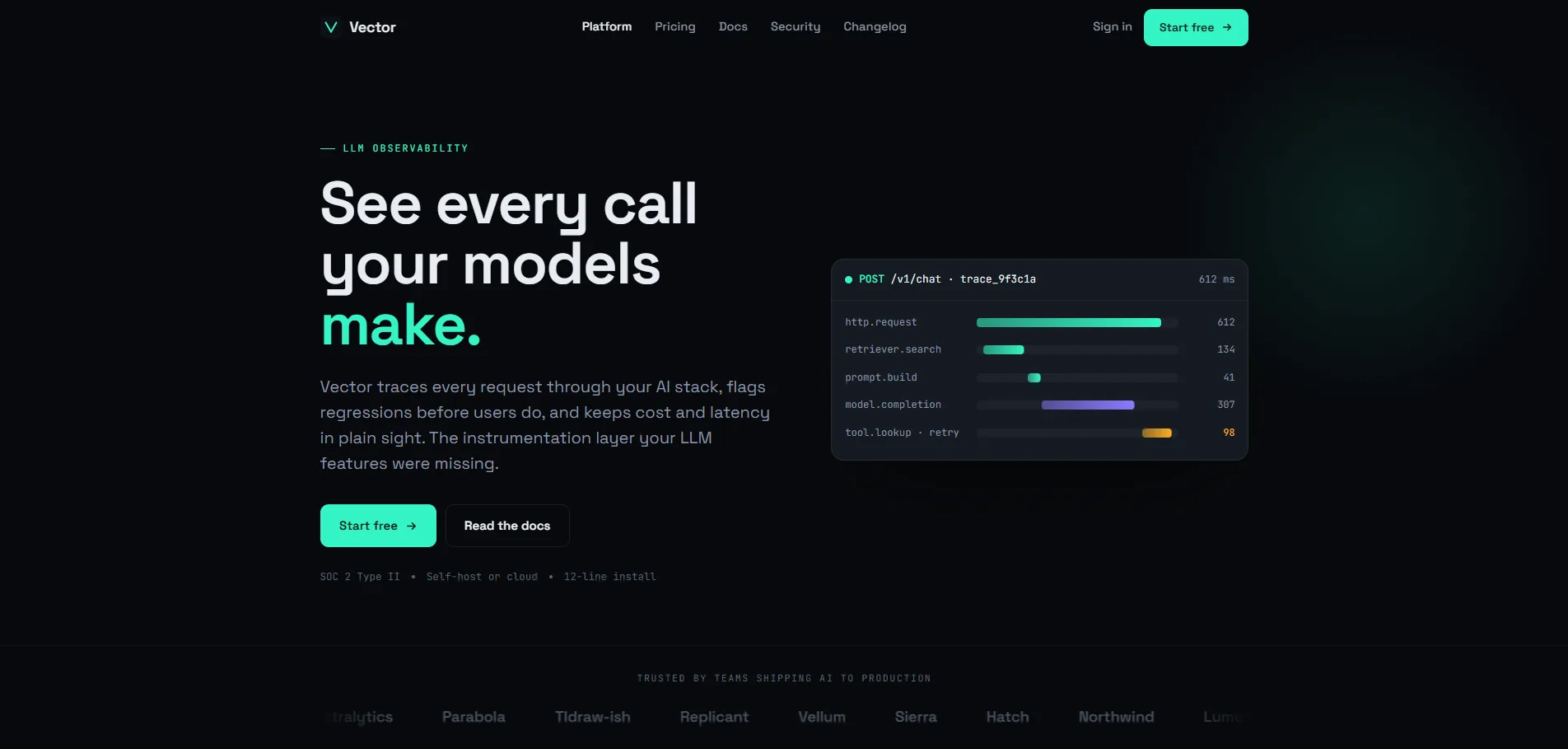
Vector is the observability and evaluation layer for teams shipping LLM features. Trace every model call, catch regressions before users do, and understand exactly what your production AI is doing, at every token.
Teams shipping LLM-powered features lack the instrumentation they take for granted in traditional software. There's no distributed trace, no regression alert, no cost ledger. You ship a prompt, it goes into production, and then you wait for a user to tell you something broke. Or you notice it three weeks later in your cloud bill.
Vector needed a marketing and documentation surface that communicated this problem, and its solution, in precise, developer-native language. No hype. Just signal.
How do you make a developer tool feel trustworthy before the engineer installs it? How do you communicate observability as a value proposition without drowning the page in telemetry jargon? And how do you design for engineers who will immediately bounce from anything that looks like a startup marketing page?
The answer was a visual language that treats density as a feature, not a problem. Every number on the page earns its space by being specific, not approximate.
Research Insights
Vector's buyers range from ML engineers who live in traces, to engineering directors who need to answer the CFO's question: "why did our AI costs double this quarter?" Each evaluates the product differently, but both need evidence, not promises.

Developer tools live or die on trust, and trust comes from precision. Before touching a single UI element, the process started by understanding what ML engineers actually look at when something goes wrong, and what format communicates certainty at 2am in a production incident.
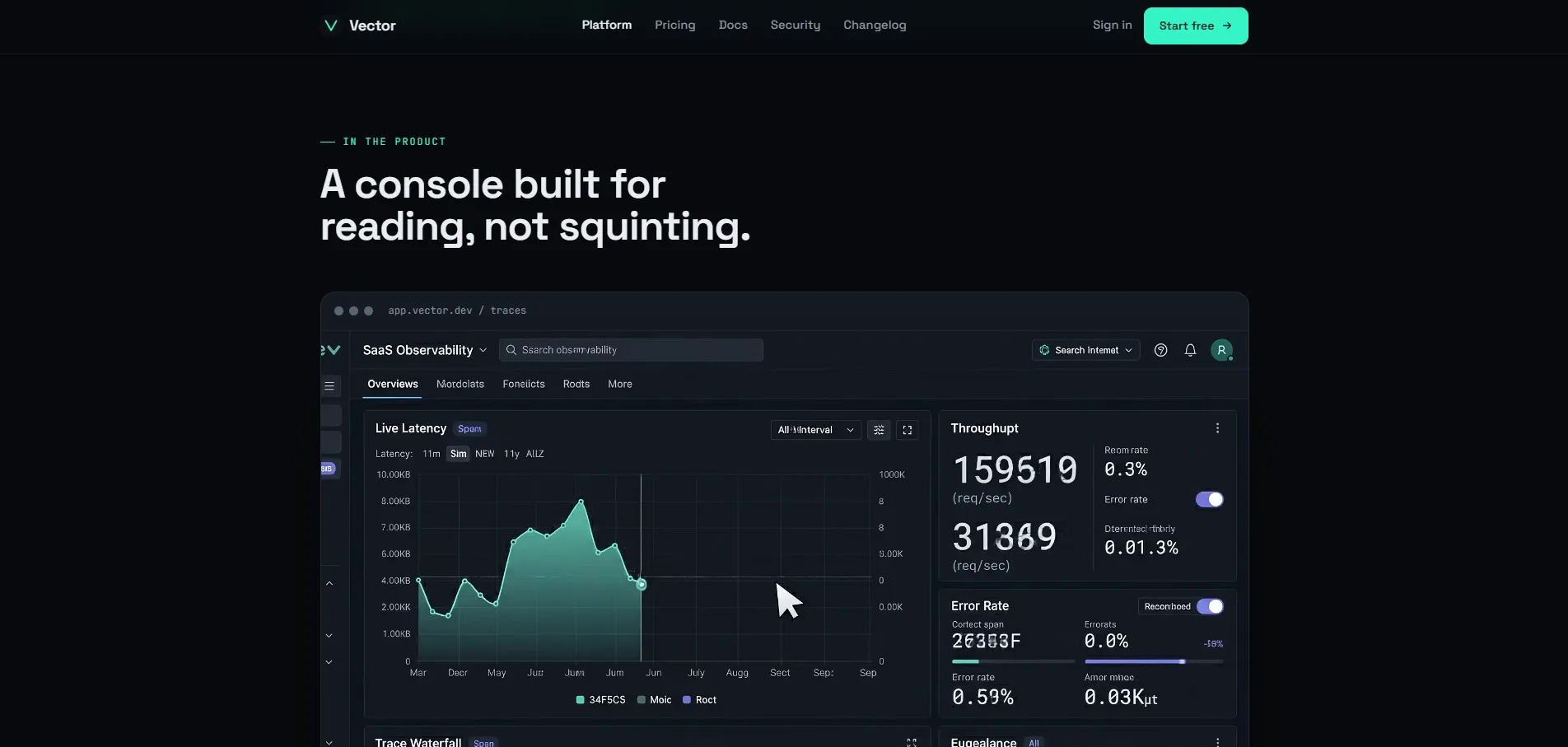
The central design question for Vector was whether a screen full of telemetry data could feel legible rather than overwhelming. The answer was a strict visual grammar: every number uses monospace, every status uses a color from a three-value system (signal / inference / alert), and every interactive element has a minimum 44px target. The trace waterfall below is the product's heart, it's where ML engineers spend most of their debugging time, and it had to feel as readable as a profiler, not as cluttered as a log viewer.
Signature Components
Vector, Trace Waterfall Dashboard
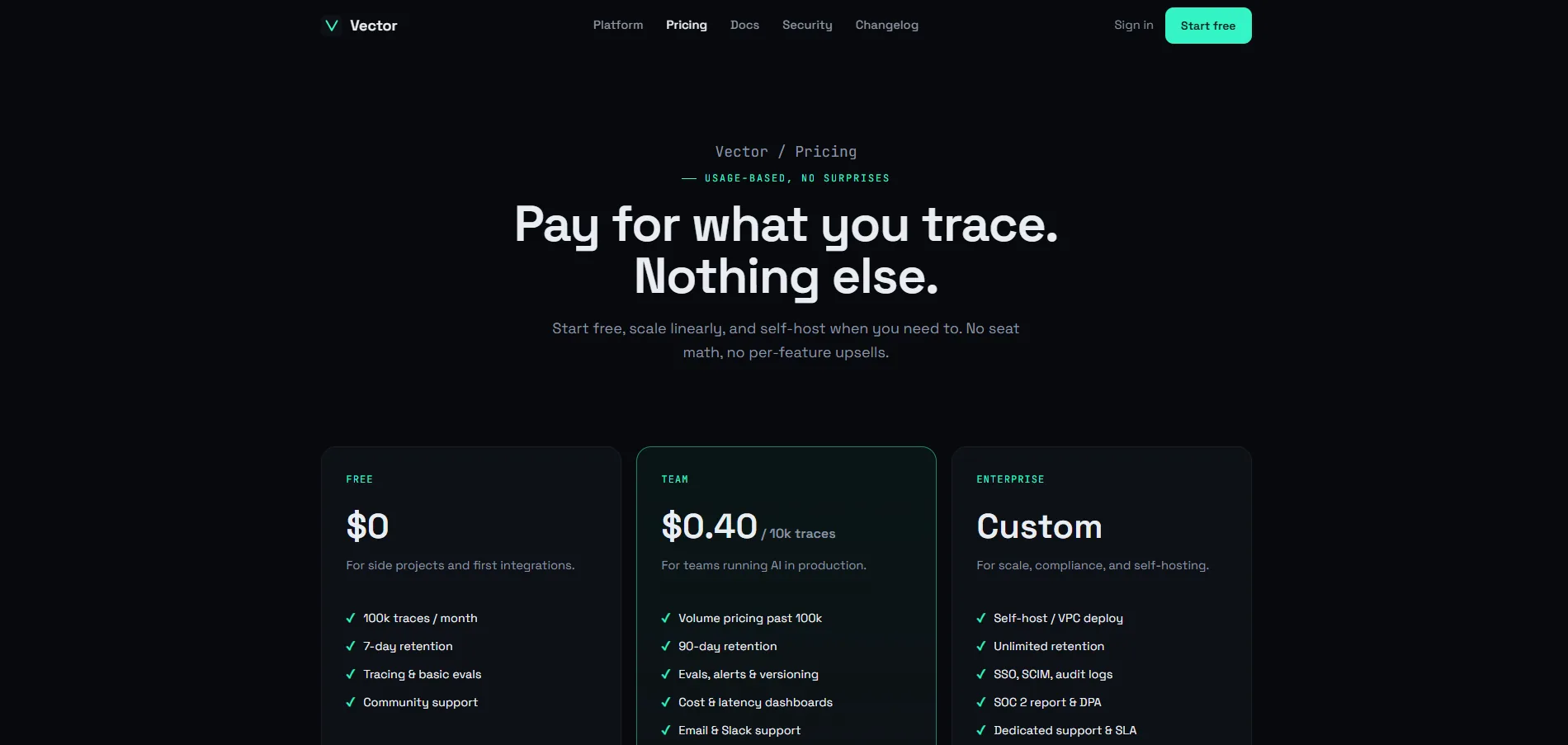
Vector's design constraint was that every claim had to be expressed as a number engineers could verify, not a marketing statement they had to take on faith. The metrics below were chosen because they answer the exact questions ML engineers ask before adopting any new tool in their stack.
"Designing for engineers taught me something that counteracts almost every design instinct I had before: density is a feature. The developers using Vector don't want whitespace and breathing room, they want six numbers in the same viewport. The challenge isn't simplification. It's information architecture that makes complexity legible."
"The decision to treat monospace typography as a first-class design element, not just for code blocks, was the single most effective move in the project. When latency numbers appear in a monospace font, they feel measured. When they appear in a display typeface, they feel rounded. That's a trust difference engineers feel without being able to name it."